##News
Writy’s Assistant Can Now Use Your Own Claude or ChatGPT.
Writy’s assistant just got a lot sharper, if you’d like it to be. Until now it ran on Apple’s model, the small one that lives on your Mac. Starting with the latest beta, it can use a much larger one: your own Claude or ChatGPT.
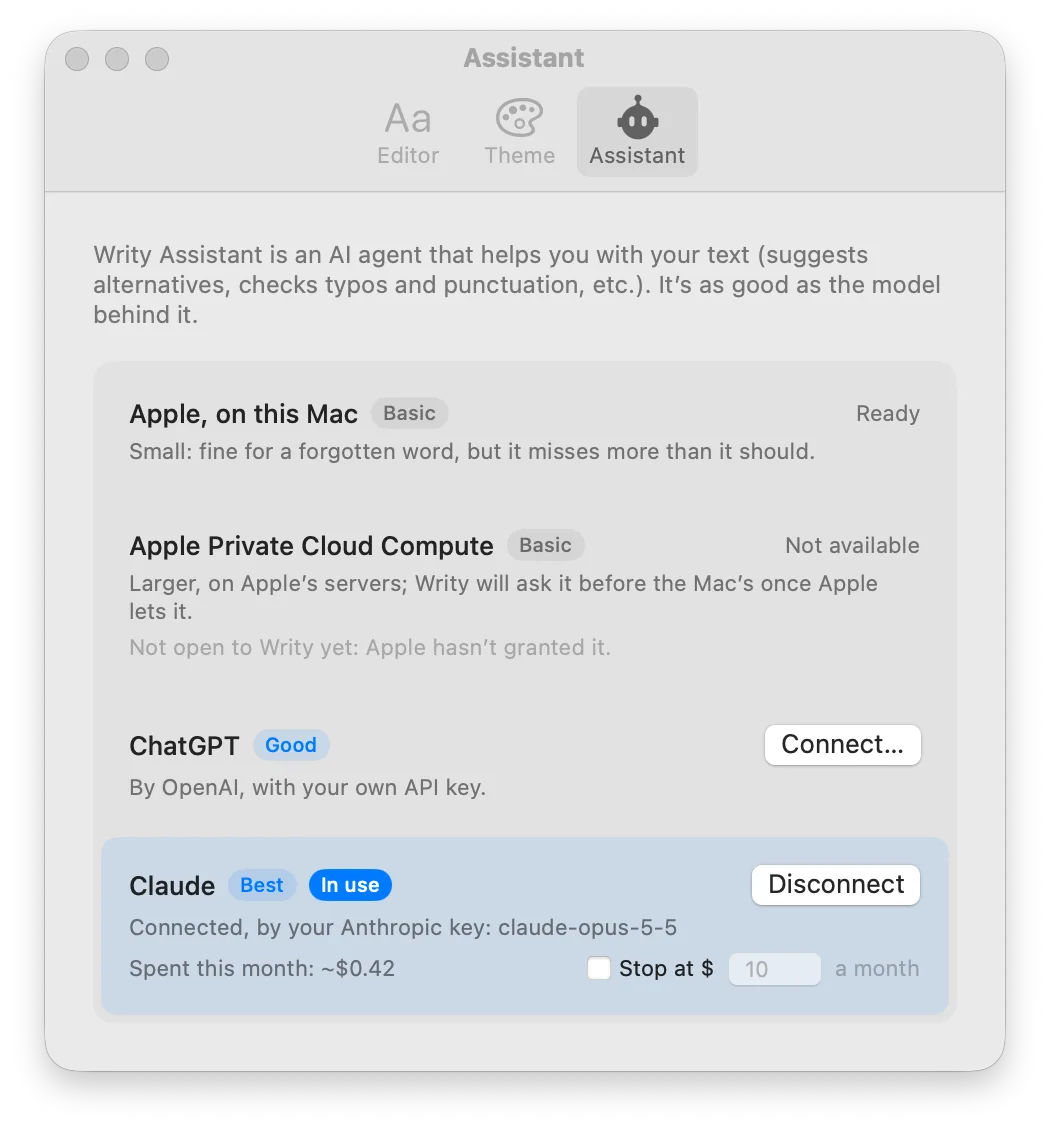
Open Writy ▸ Settings ▸ Assistant, connect Claude or ChatGPT with an API key from your Anthropic or OpenAI account, and both things the assistant does get better. Type ?? as an alternative, and the wordings it suggests fit the sentence you’re in: on our test cases, Claude and ChatGPT got nine in ten right, where Apple’s model managed about half. Choose Fix Punctuation and Typos, and it catches more of what’s wrong: 94 or 95 of every 100 fixes, where Apple’s model found 83. It still won’t write a sentence for you. It’s a second pair of eyes, now with better glasses.
With Claude, Fix Punctuation and Typos can also make every change at once: Change All (⌘⏎) underlines each one, and the sheet is kept as a version first, so a click on any change shows what was there, to put it back.
Your text goes straight from your Mac to the company you chose, only when you ask, and never through a server of ours. Your key stays in your Mac’s keychain. Anthropic or OpenAI bills your account for each use, usually cents for a whole sheet, and Settings shows what Writy has spent this month, with a monthly cap if you’d like one. A Claude or ChatGPT subscription doesn’t cover it: it takes an API key, billed on its own.
Without a key, nothing changes: on a Mac with Apple Intelligence, the assistant uses Apple’s model, free, as before.
Thank you for testing Writy. If you connect Claude or ChatGPT, tell us how it does for your writing: Help ▸ Send Feedback…