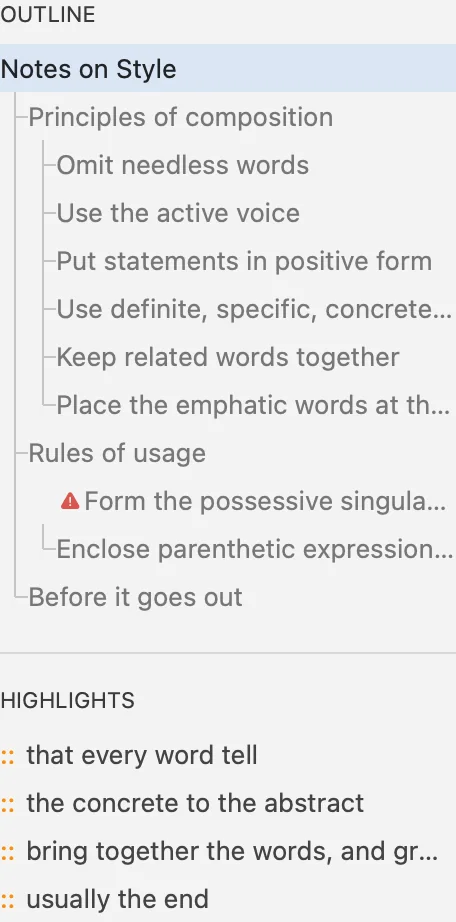
Outline and highlights
Every heading and every highlighted passage, listed beside the editor. Click one and the editor slides there. ⌘4
Writy is a Markdown writing app for the Mac: a calm editor for prose, a library for every draft, and plain files that stay yours.
Apps for iPad and iPhone are coming.
News Writy’s Assistant Now Finds the Words That Don’t Sound Like You
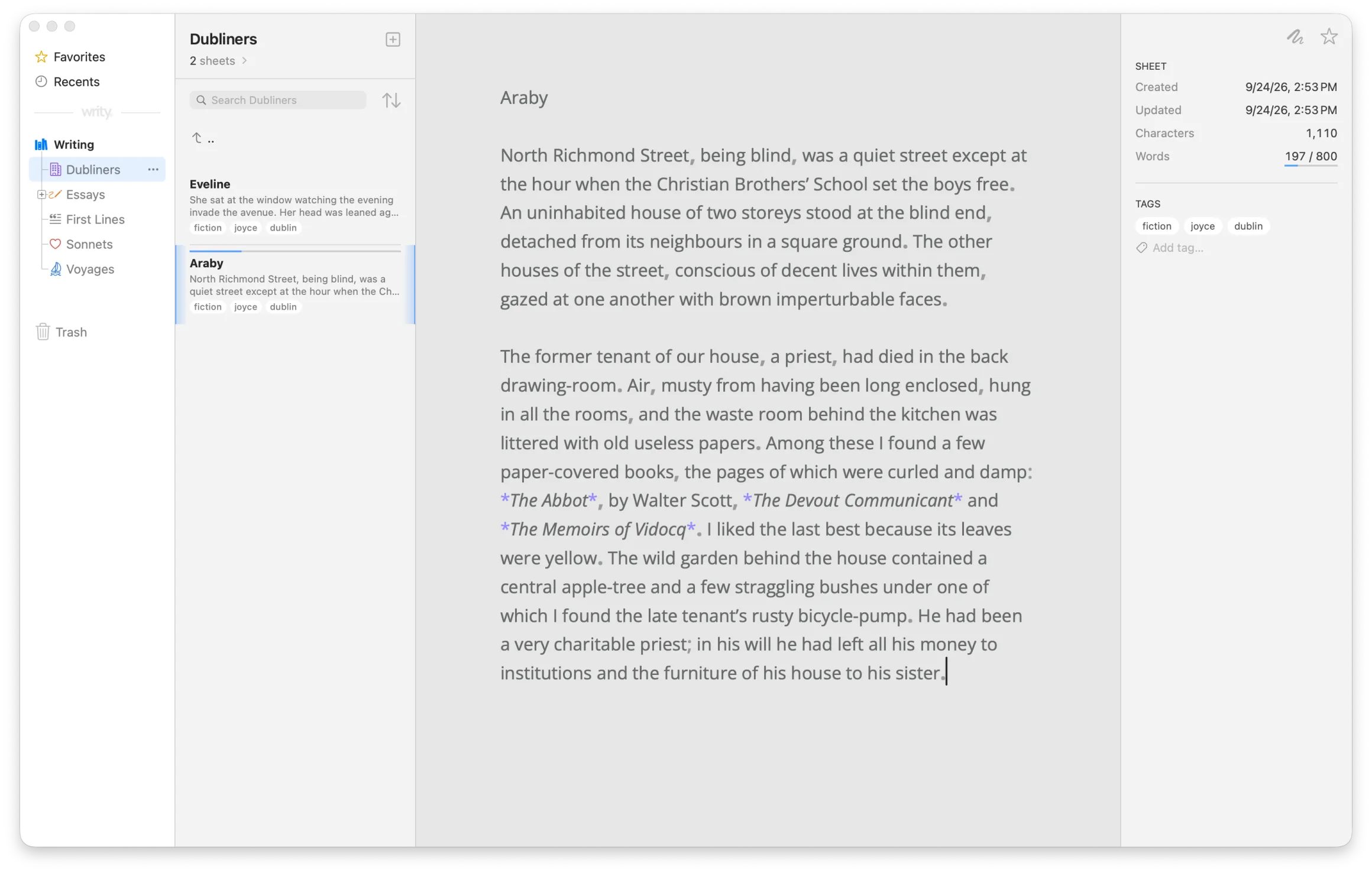
##The Editor
A quiet page — and, when you want them, a few quiet aids.
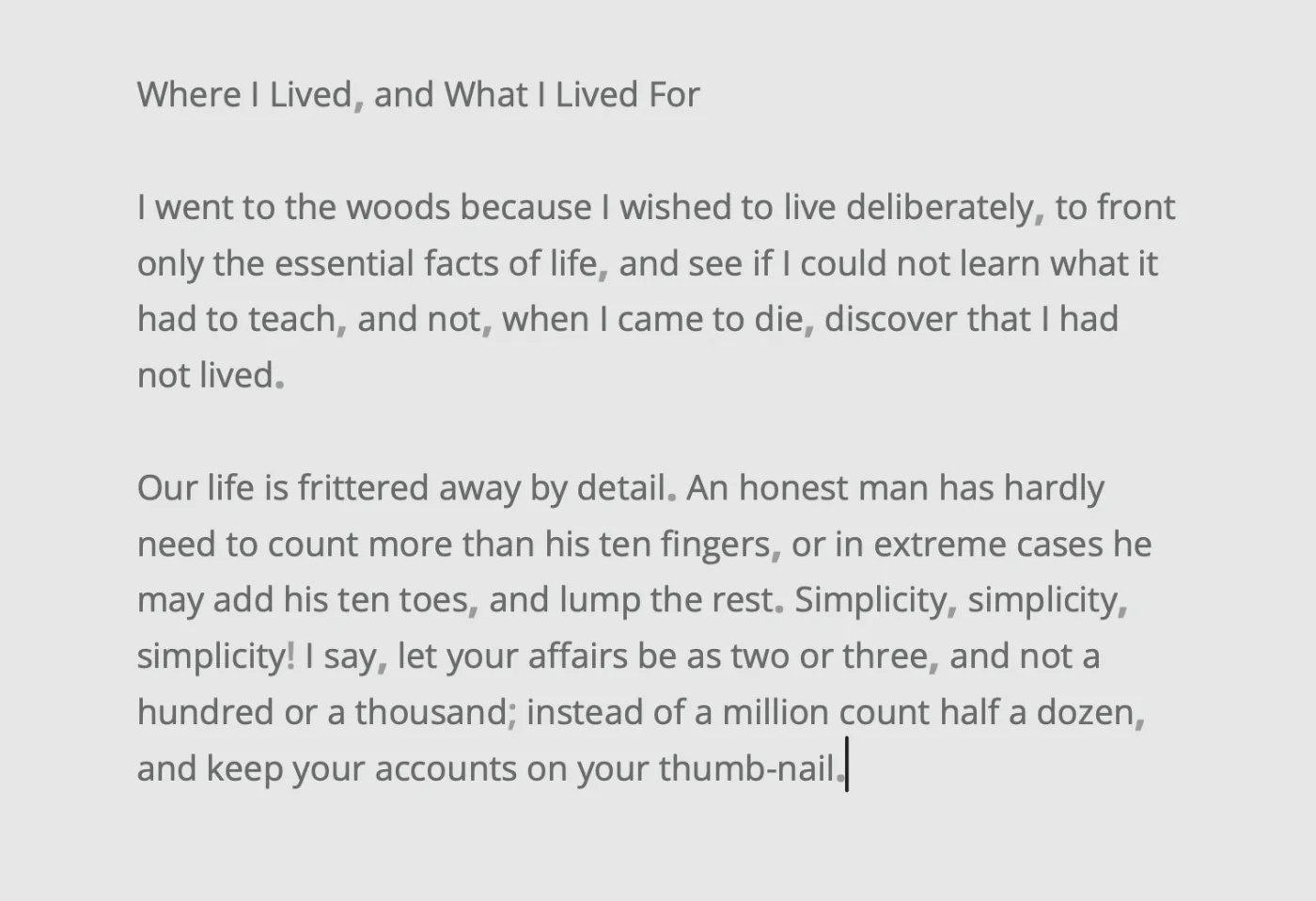
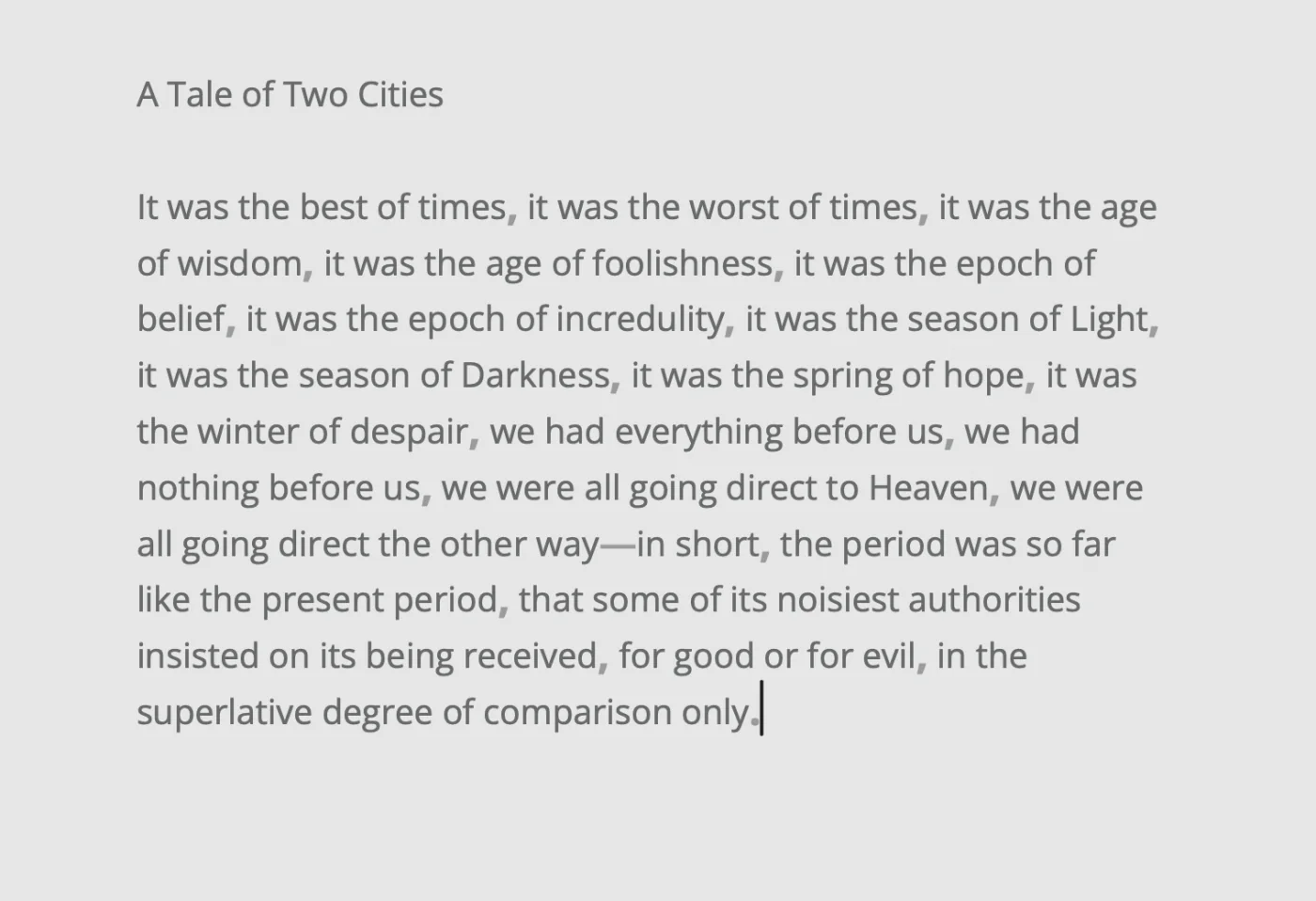
No toolbar and no status bar. Move the pointer and a few quiet buttons appear in the corners; they fade as soon as you type.
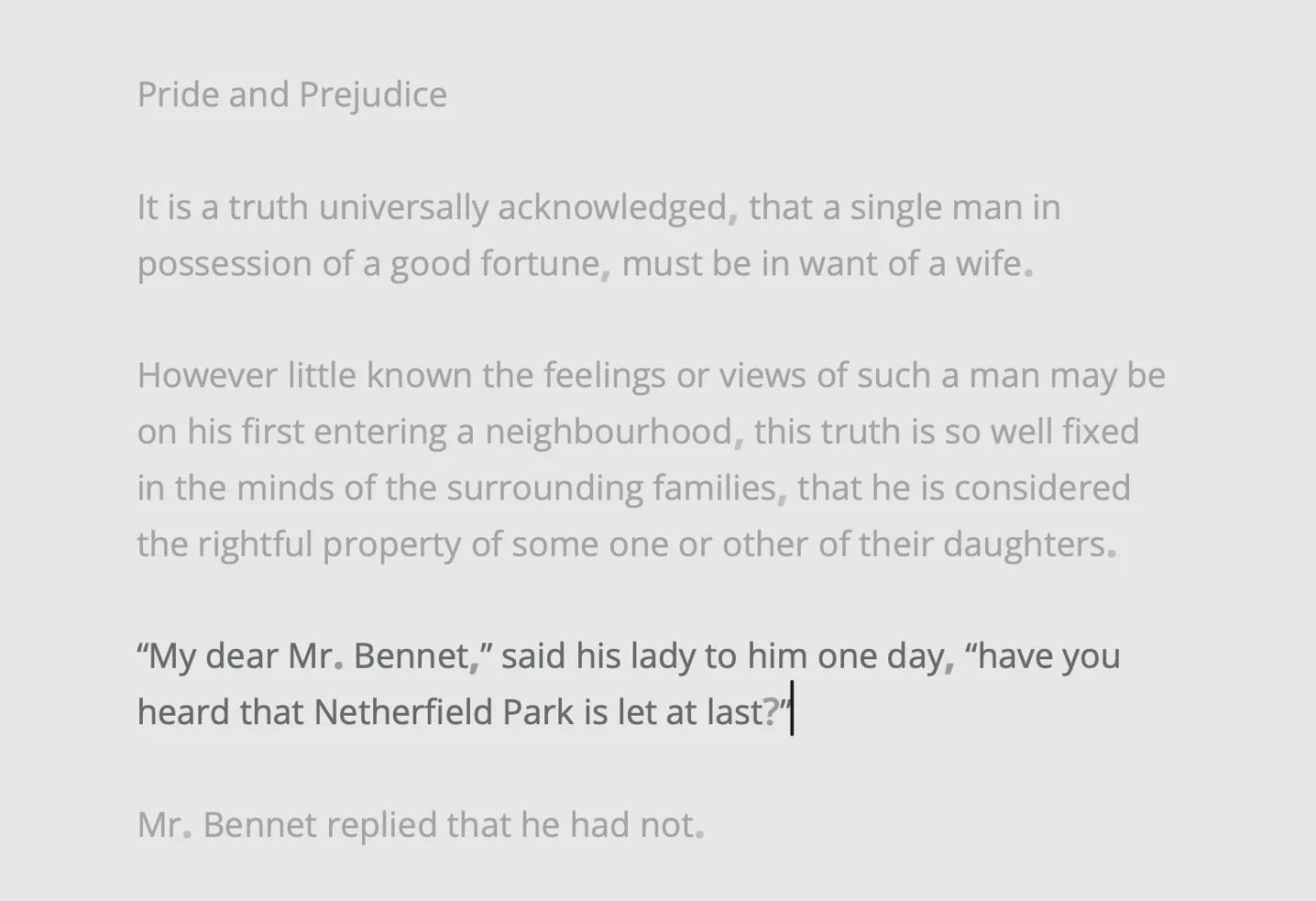
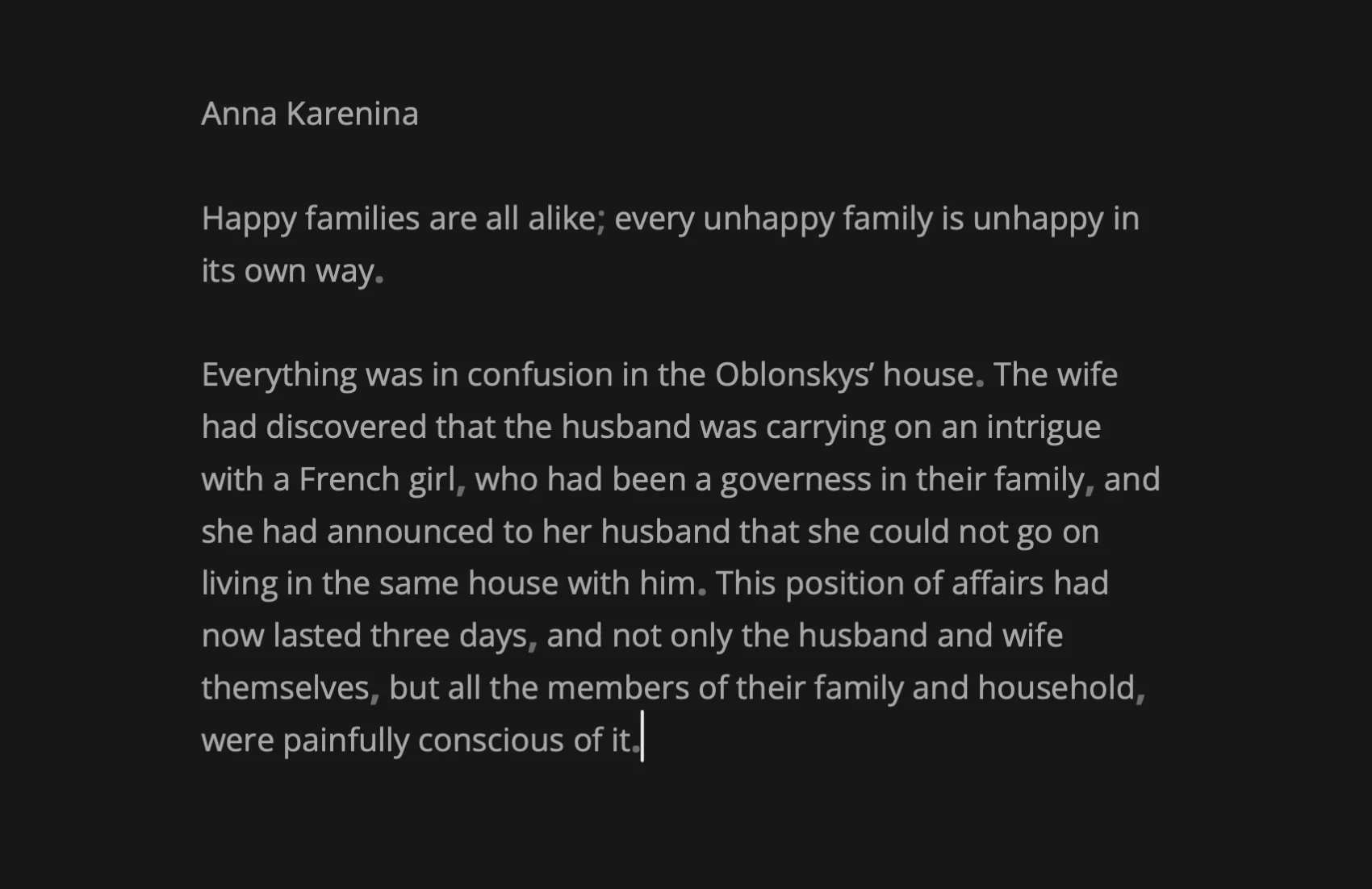
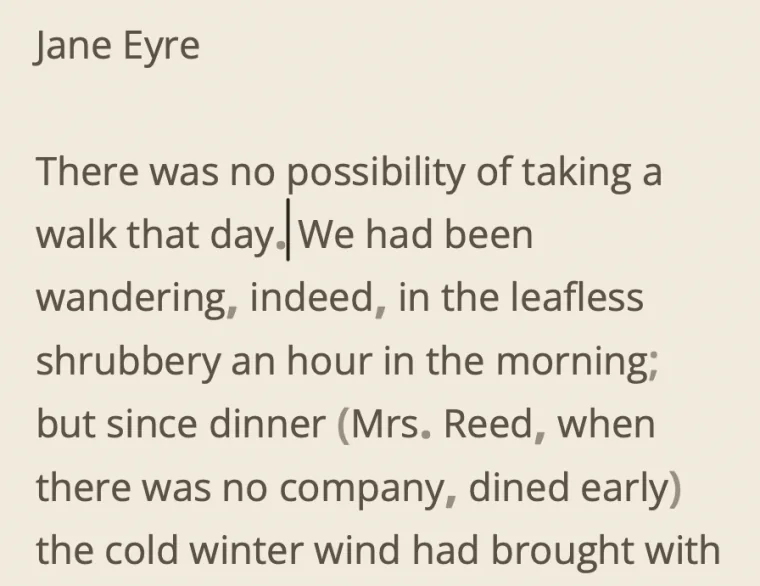
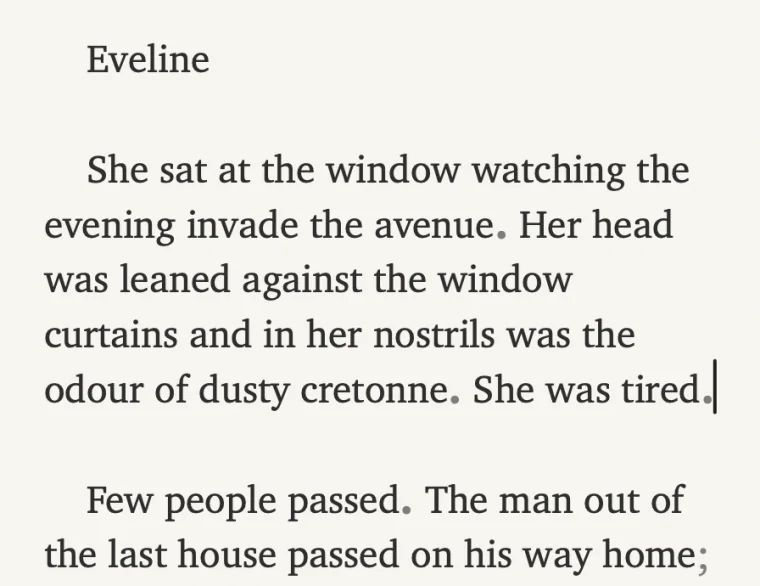
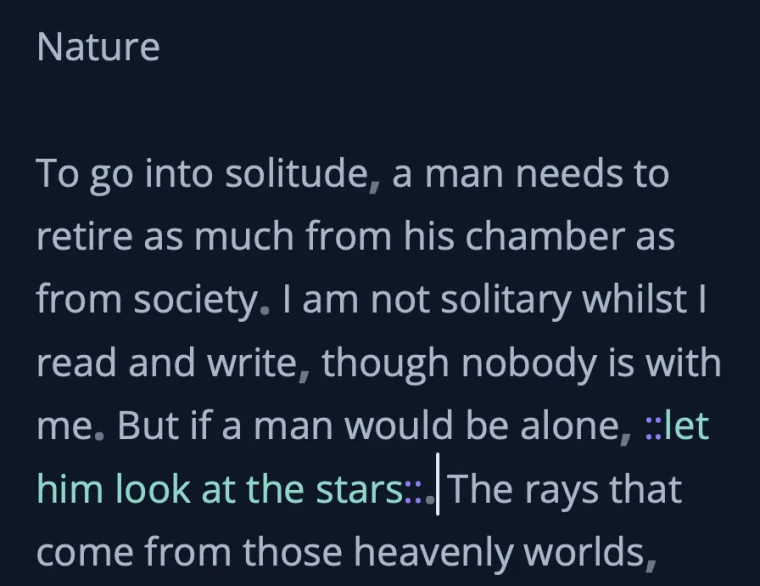
Punctuation Highlight gives commas, periods, and the like a touch more weight and a quieter color — the rhythm of a long sentence, at a glance. On by default.
Dims everything but the paragraph you’re in. ⇧⌘F
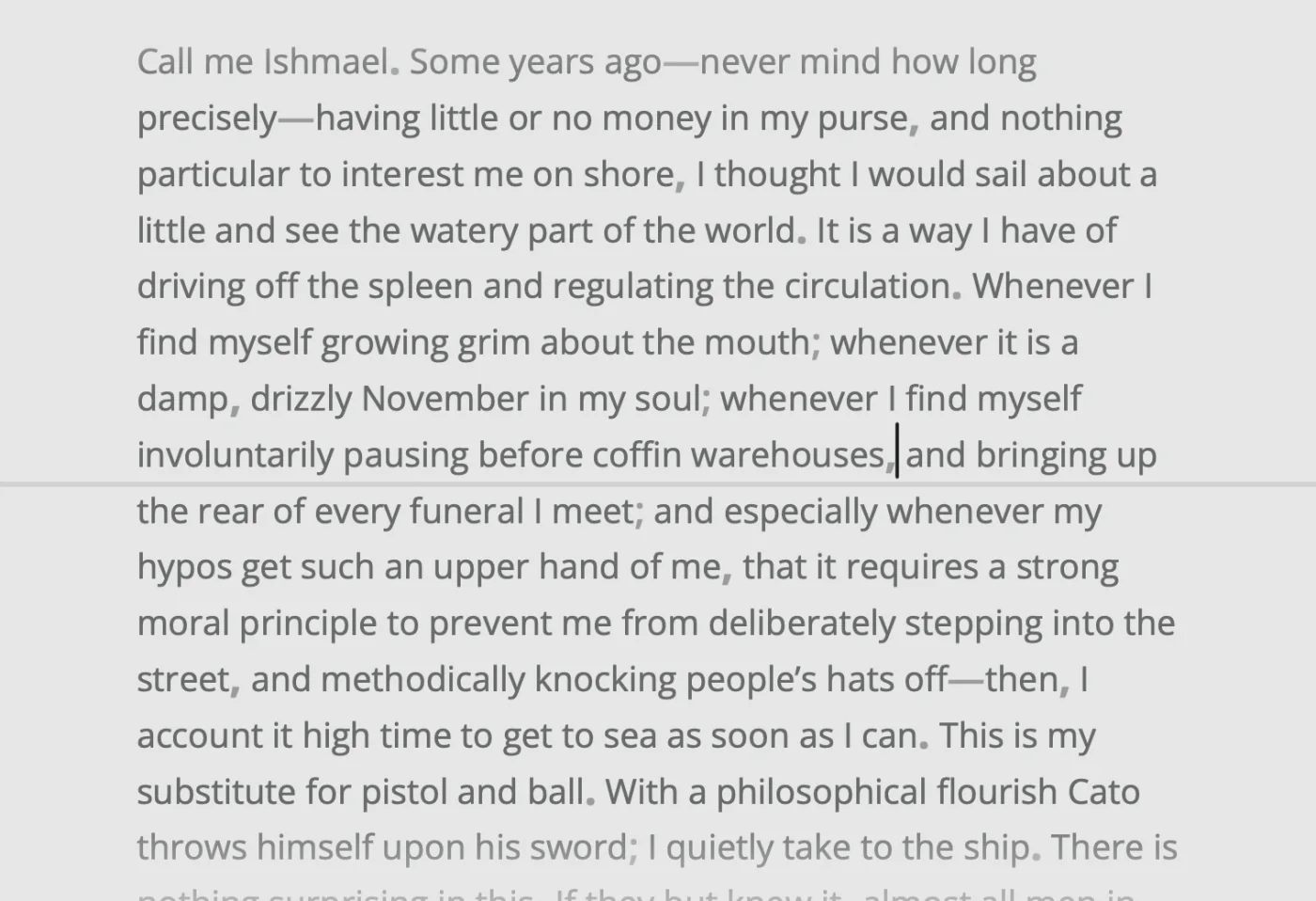
Keeps the line you’re writing centered on screen, above a faint guide. ⇧⌘T
##The Library
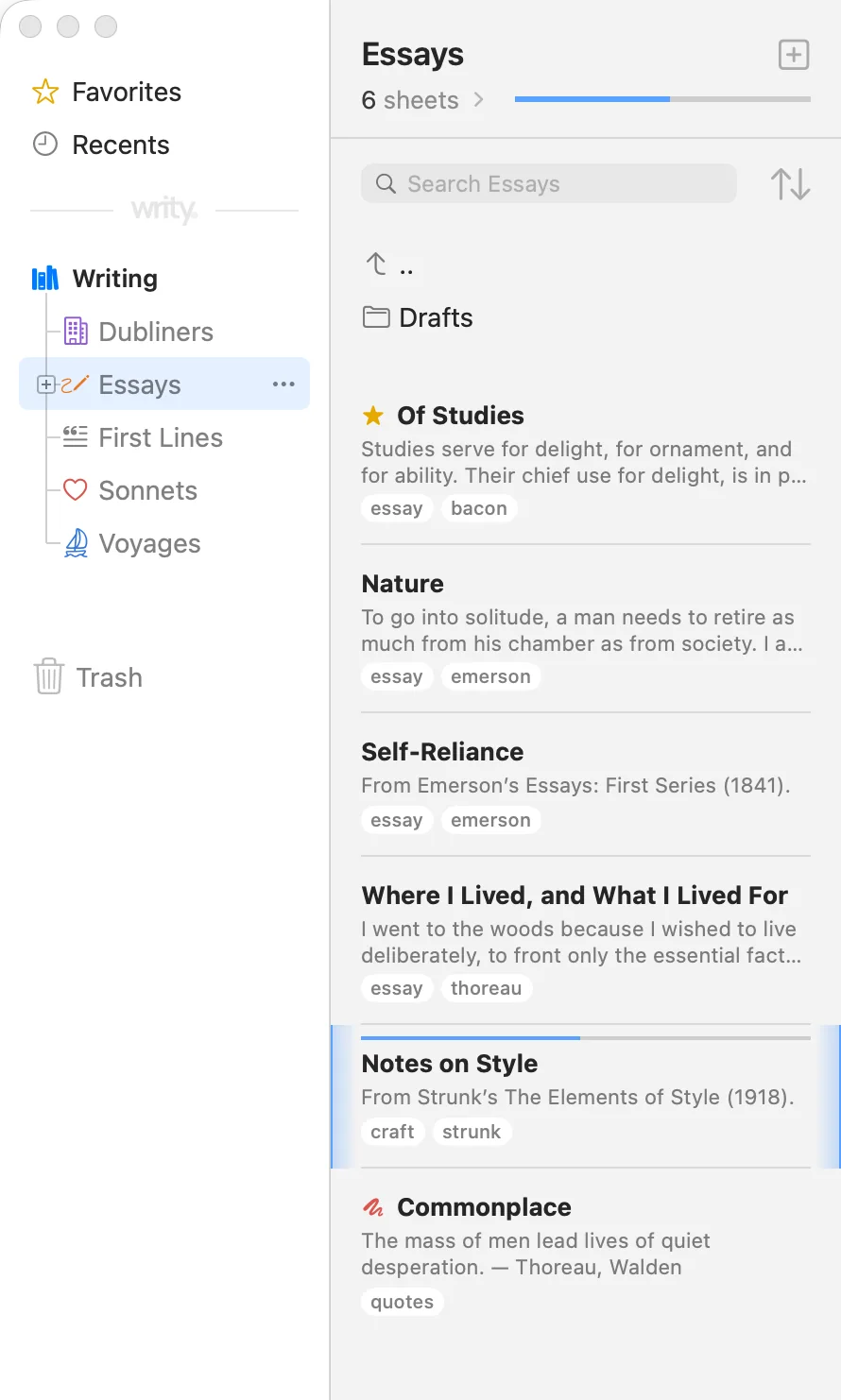
Every piece of writing is a sheet, and sheets live in groups — nest them, drag them, sort them your way, give each its own icon. Tag a sheet, filter a group by tag, or search everything you’ve written. Each sheet reopens where you left off.
Your library is a folder in iCloud Drive, or one you choose: groups are folders, and every sheet is an ordinary .md file. Tags, goals, and the scratch mark ride along in a small header at the top — open it in any editor.
---
tags: [craft, strunk]
goal: 650 words
---
# Notes on Style

From Strunk’s *The Elements of Style* (1918).
%% Reread before every revision pass.

## Principles of composition

### Omit needless words

Vigorous writing is **concise**. A sentence should contain no unnecessary words …##Sheet Info and More
Long work needs a map, a goal, and somewhere to put the cuttings. Writy keeps them beside the page, one keystroke away.
Every heading and every highlighted passage, listed beside the editor. Click one and the editor slides there. ⌘4
Headings, emphasis, quotes, and highlights take shape as you type. The marks stay, dimmed, so what you see is what’s in the file. Forgot one? Aa in the editor’s corner lists them all.
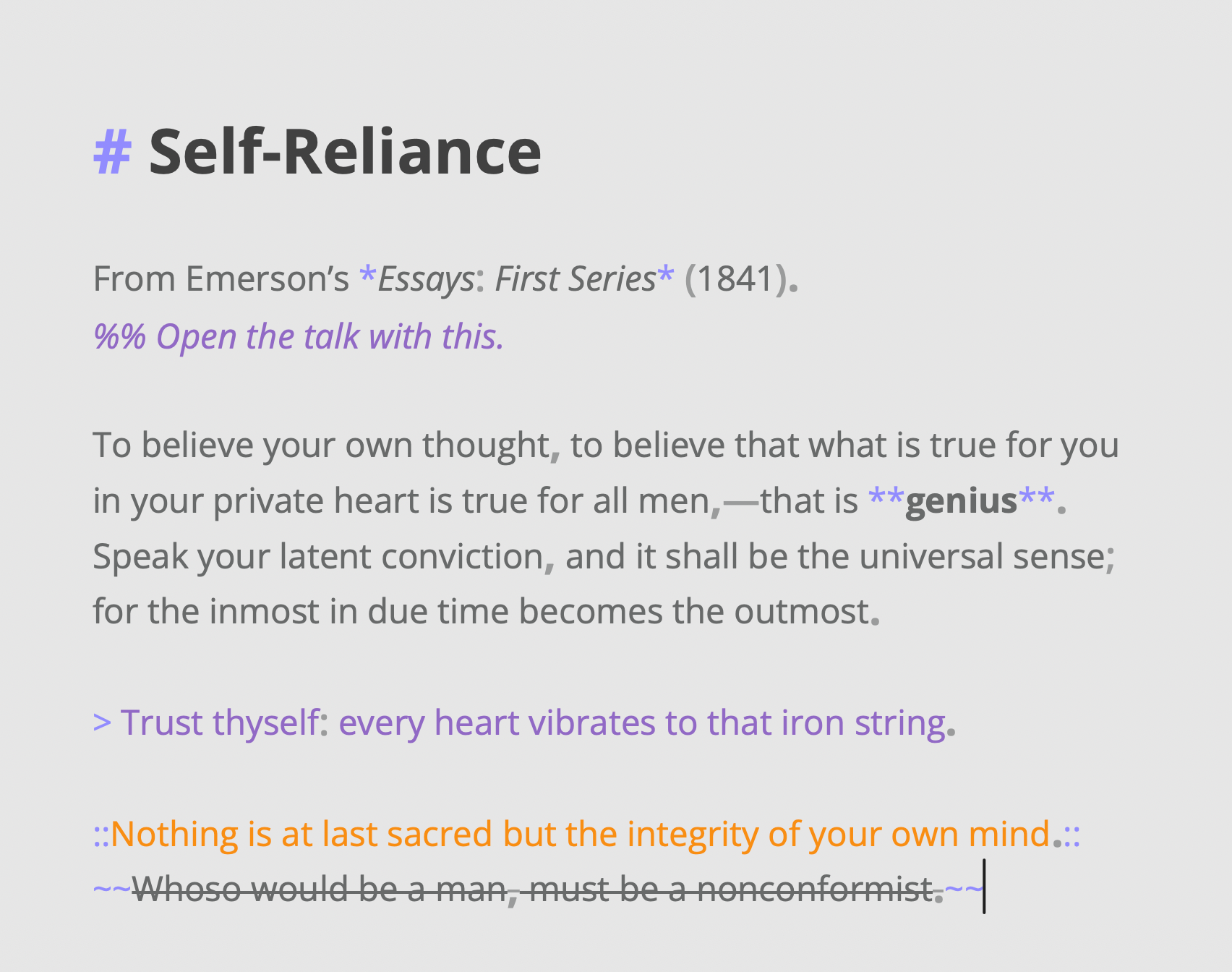
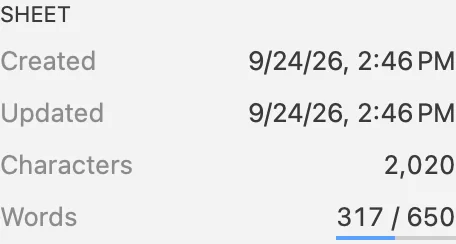
In words or characters, for a sheet or a whole group — with a bar that fills as you write.
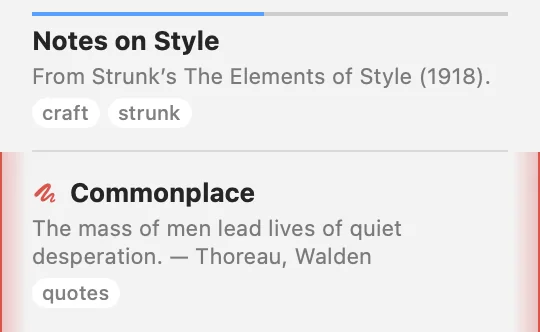
Notes, cuttings, and old drafts, marked in red and left out of the group’s totals.
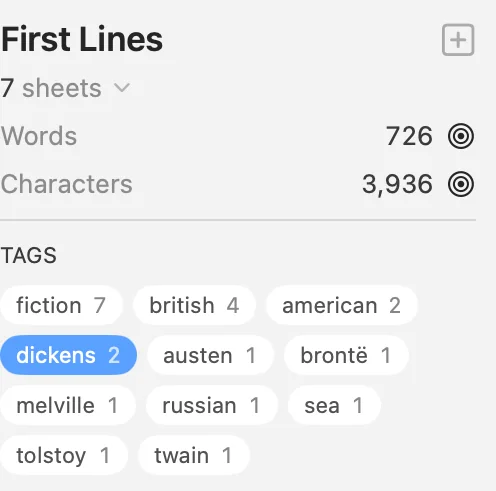
Filter a group by tag from its summary, with the group’s totals beside it.
Two hyphens become an em dash, and straight quotes turn curly as you type. Spelling is checked; nothing is corrected behind your back.
##Second Thoughts
Most of writing is rewriting. Keep other versions of a passage beside it, fade a sentence out before you cut it, and go back to any earlier draft. Nothing is lost, and it all stays plain Markdown.
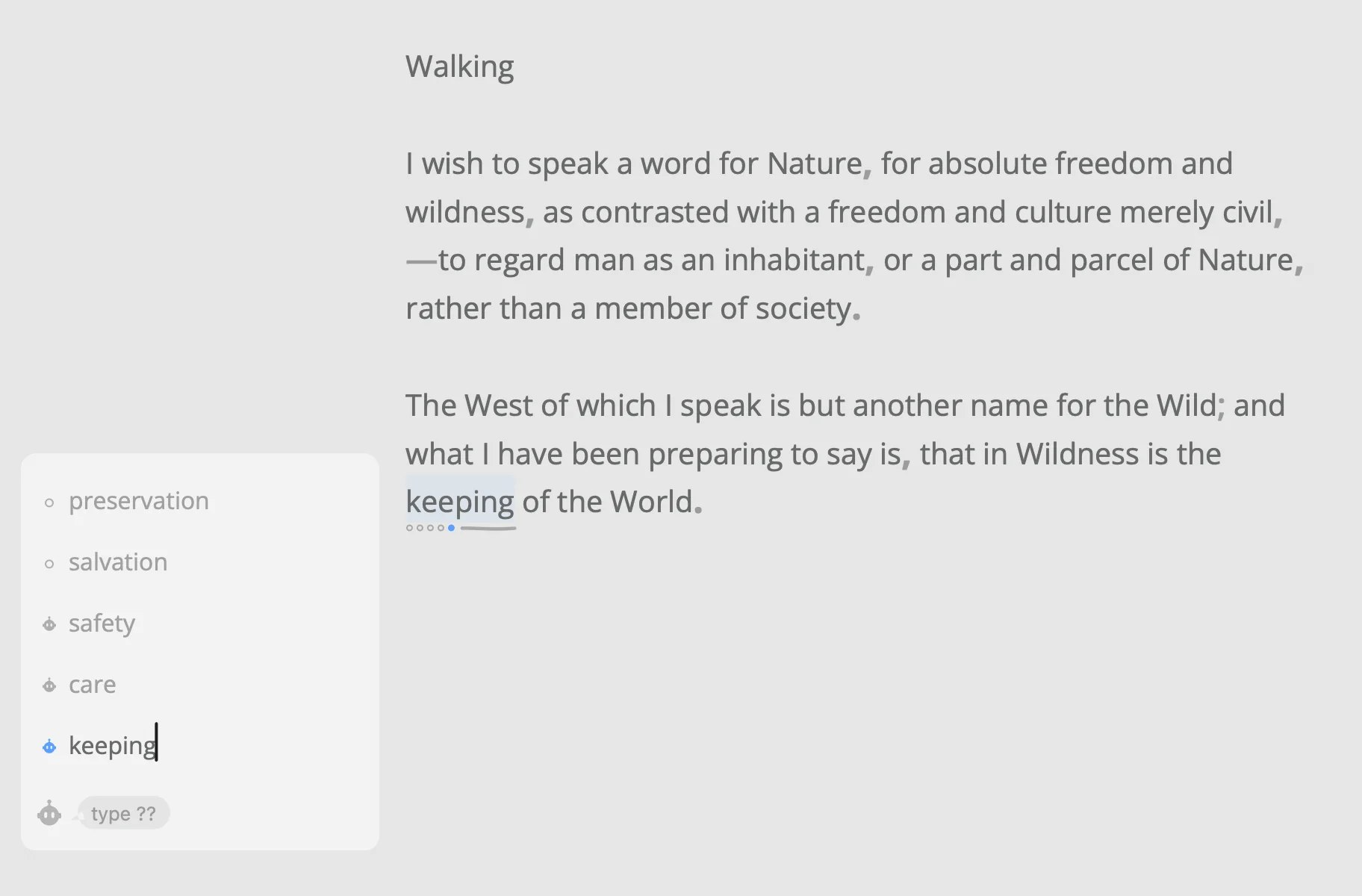
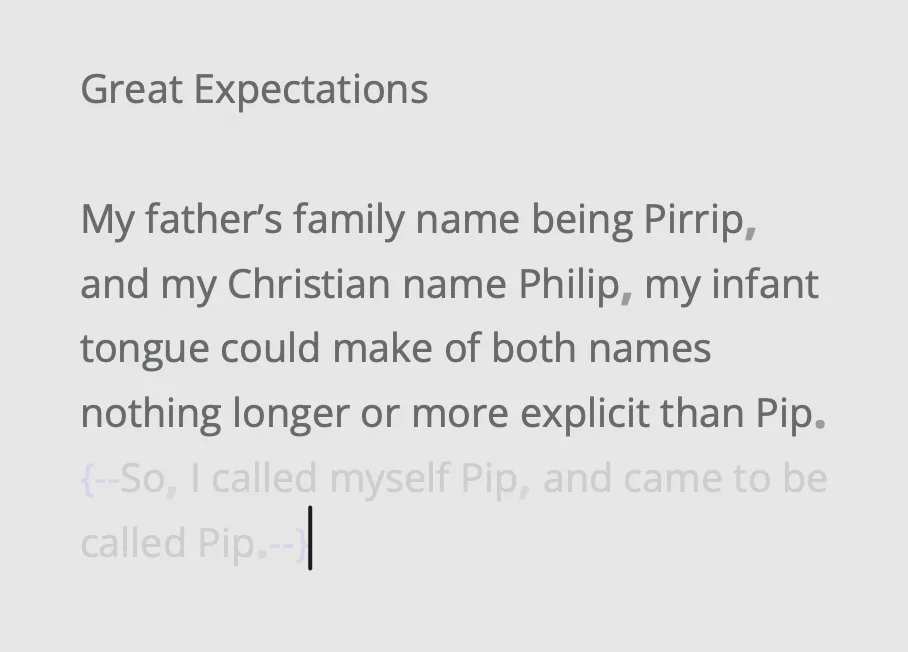
Keep other versions of a passage beside it and read each in its place. The file keeps the one you choose. ⌥⌘↩
Not sure a sentence earns its place? Ghost it: it stays in the sheet, faded, and out of the count and the export. ⇧⌘G
Writy keeps its versions as you write. Compare one with the sheet as it is, and bring it back.
##Writy Assistant
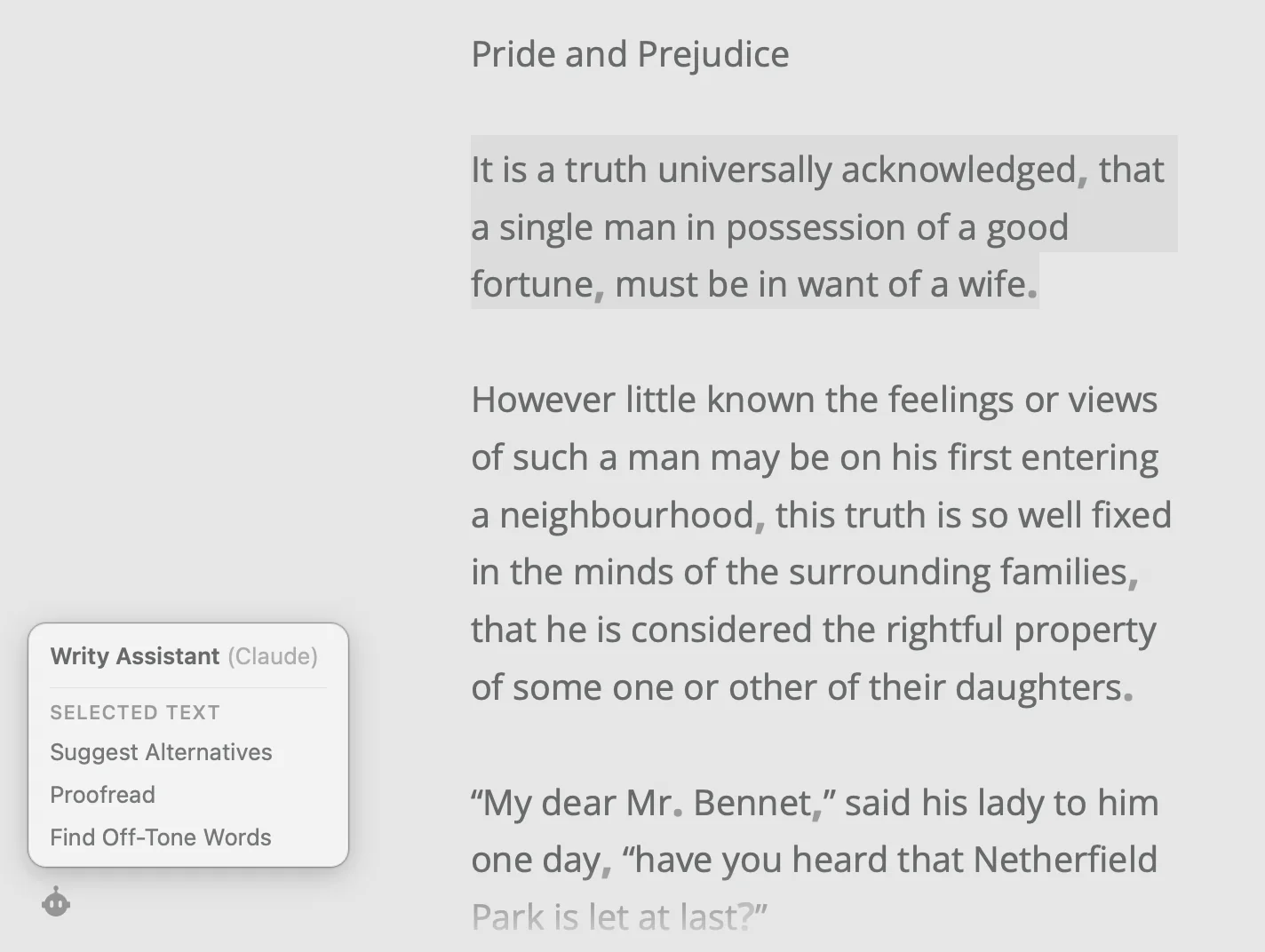
Click the robot in the editor’s corner for other wordings, a check of your punctuation, typos and grammar, or the words that don’t match your voice. It works only when you ask, and it’s as good as the model behind it: Apple’s, free on a Mac with Apple Intelligence, or your own Claude or ChatGPT.
Type ?? as an alternative, and the assistant suggests three other wordings.
Punctuation, typos and grammar: each change shows right above your words, to accept or skip. Your style stays yours.
With your own Claude or ChatGPT: the words that don’t match your text’s voice, each with a better fit.
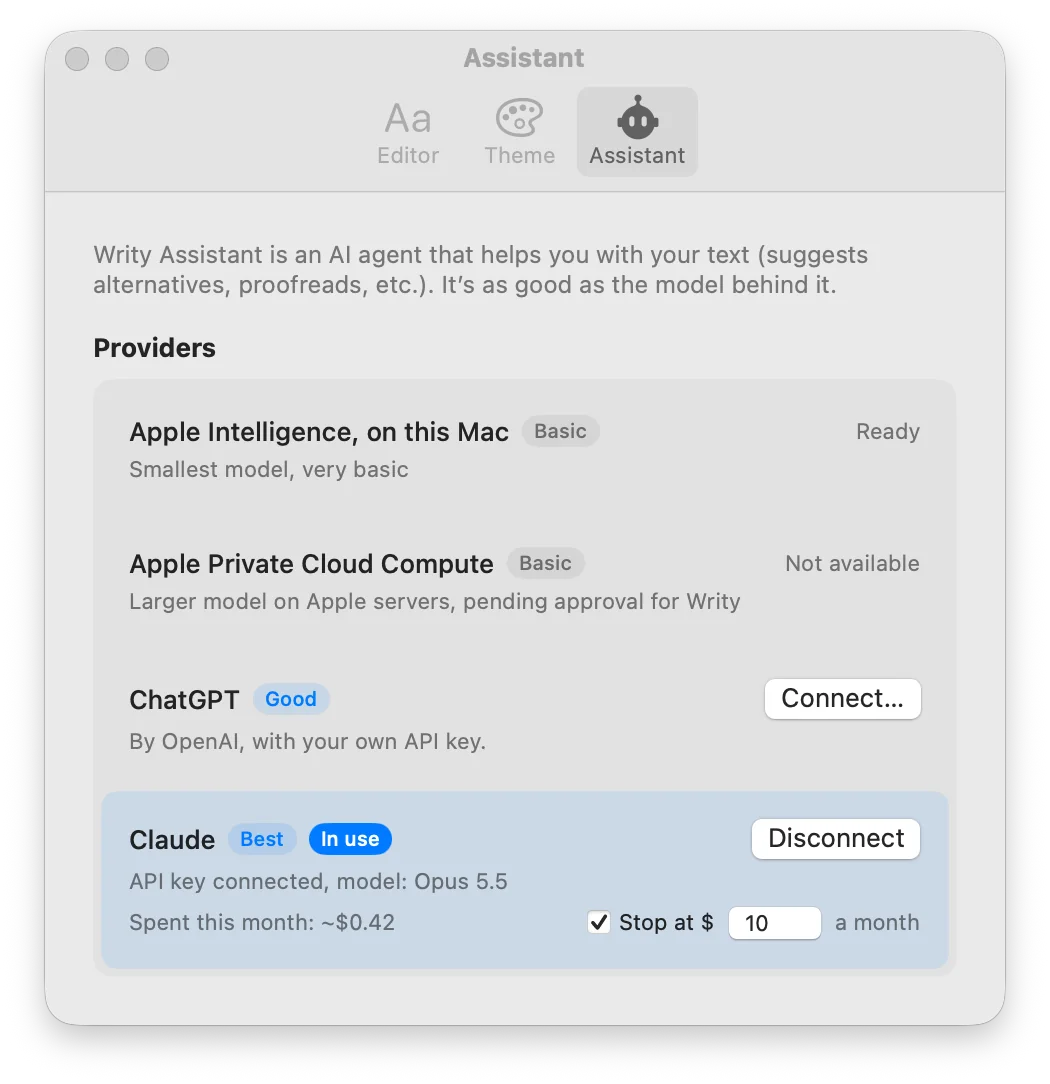
For much better results, connect one with an API key. Anthropic or OpenAI bills you, usually cents for a whole sheet.
Settings shows this month’s spend and stops at a cap you set. Your text goes straight to the company you chose.
##Bigger Projects
Longer work asks for more than a quiet page: notes at the foot of the page, pictures in the text, and a clean copy for whoever reads it next. It all stays plain Markdown.
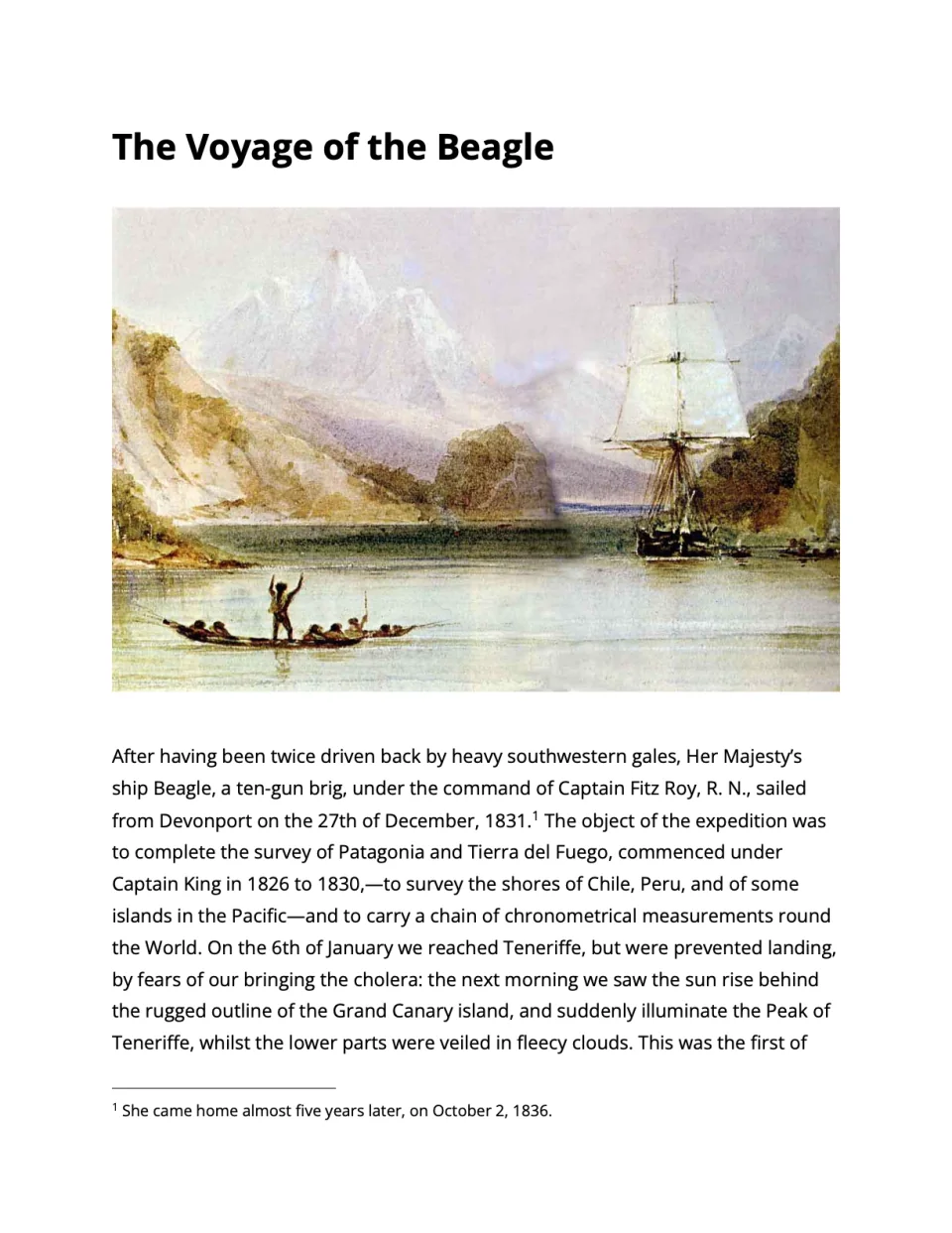
Word, PDF, or Rich Text — one sheet, or a whole group as one document, each sheet a chapter. ⇧⌘E
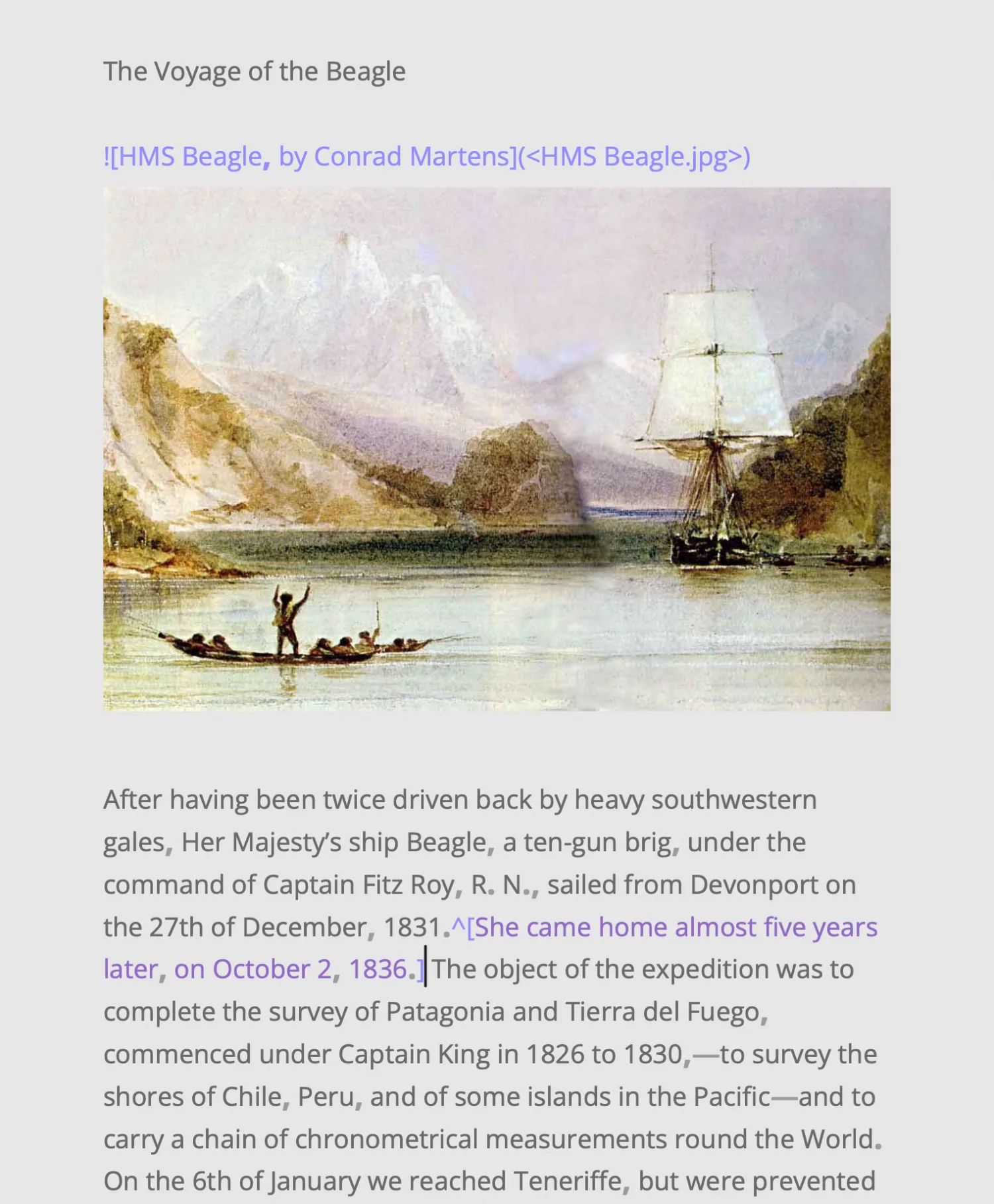
Type ^[the note] in the sentence. Export numbers it and puts it at the foot of its page, in Word and PDF.
Drop one on a sheet, or insert it from the Edit menu: Writy keeps it in the folder beside the sheet and shows it after its paragraph. ⇧⌘I
##Light, Dark, and Your Own
Dark when the house is asleep, light in the morning — or let Writy follow your Mac. And the page is yours to set: any font on your Mac, the line height, paragraph spacing, first-line indent, and line width, even the colors, separately for light and dark.
⇧⌘L Light or dark⌘+ ⌘− Text size
My tools have to follow me.

Emil
writer, and the maker of Writy
It’s always different. I write fiction — and not only fiction. I write in long breaths, and then in bursts: page-long paragraphs, then bites and punches.
My tools have to follow me. Whether it’s an urge to unleash or a random weave of thought in a peaceful hour, it needs to land uninterrupted. For years I kept my drafts in good writing apps that were never quite mine — ironic, for someone who builds software as well as writes. So I finally made the one I wanted: a quiet page that takes a long sentence seriously, and a library that keeps every draft in plain text, the bedrock of digital language.
Yes: join the beta, open to anyone on a Mac. It comes through Apple’s TestFlight, which installs Writy and keeps it up to date. Tell us how it goes, from the app or at feedback@writy.com, and Writy is yours free for life when it comes out.
In plain Markdown files, in a folder: Writy’s own in iCloud Drive, unless you choose another. Groups are subfolders, and tags and goals live in a small header in each file, so your sheets stay readable in any editor.
Yes, as you type. If a file changes on disk underneath you, Writy keeps your version as a separate copy instead of overwriting either one.
Yes: a new library starts there, in iCloud Drive ▸ Writy. Writy writes its files safely and lets iCloud Drive do the syncing.
Yes. Export it as Markdown and drop the files into your library: Writy reads first-line titles, trailing #hashtag tags, and %% comments the way other editors write them, so each sheet arrives with its title and tags. From one app so far, File ▸ Import… brings a whole library over as a new group, each sheet with its title, tags, pictures, and dates, and leaves that app’s library as it was.
Only when you ask. Type ?? as an alternative and it suggests other wordings, or choose Proofread for your punctuation, typos and grammar, and each change it suggests shows right above your words, to accept or skip; your style stays yours. With your own Claude or ChatGPT, Find Off-Tone Words also walks you through the words that don’t match your text’s voice, each with a better fit. Nothing changes until you accept it, and Writy keeps the sheet as a version first, so you can always go back. On a Mac with Apple Intelligence it uses Apple’s model, for free. For much better results, connect your own Claude or ChatGPT in Settings ▸ Assistant with an API key: Anthropic or OpenAI bills you for each use, usually cents for a whole sheet. Your text goes straight from your Mac to the company you chose, never to a server of ours, and Writy never trains anything on your writing.
Yes. Writy is for the Mac for now, and apps for iPad and iPhone are coming.