##News
Writy Is Ready for Longer Work.
This is a big one, and we’re very glad to finally share it. Writy has always been a quiet place to write. Starting today, it also sees your work out the door: footnotes where they belong, pictures in the text, a history for every sheet, and a clean copy for whoever reads it next. Your sheets stay plain Markdown, as always.
Export
File ▸ Export… (⇧⌘E) sends the open sheet to Word, PDF, or Rich Text, or a whole group as one document, each sheet a chapter. It’s set as in Writy: your editor’s typeface, line height, paragraph spacing, and indent, with the formatting and pictures. The Markdown marks are gone, and your %% notes stay home.
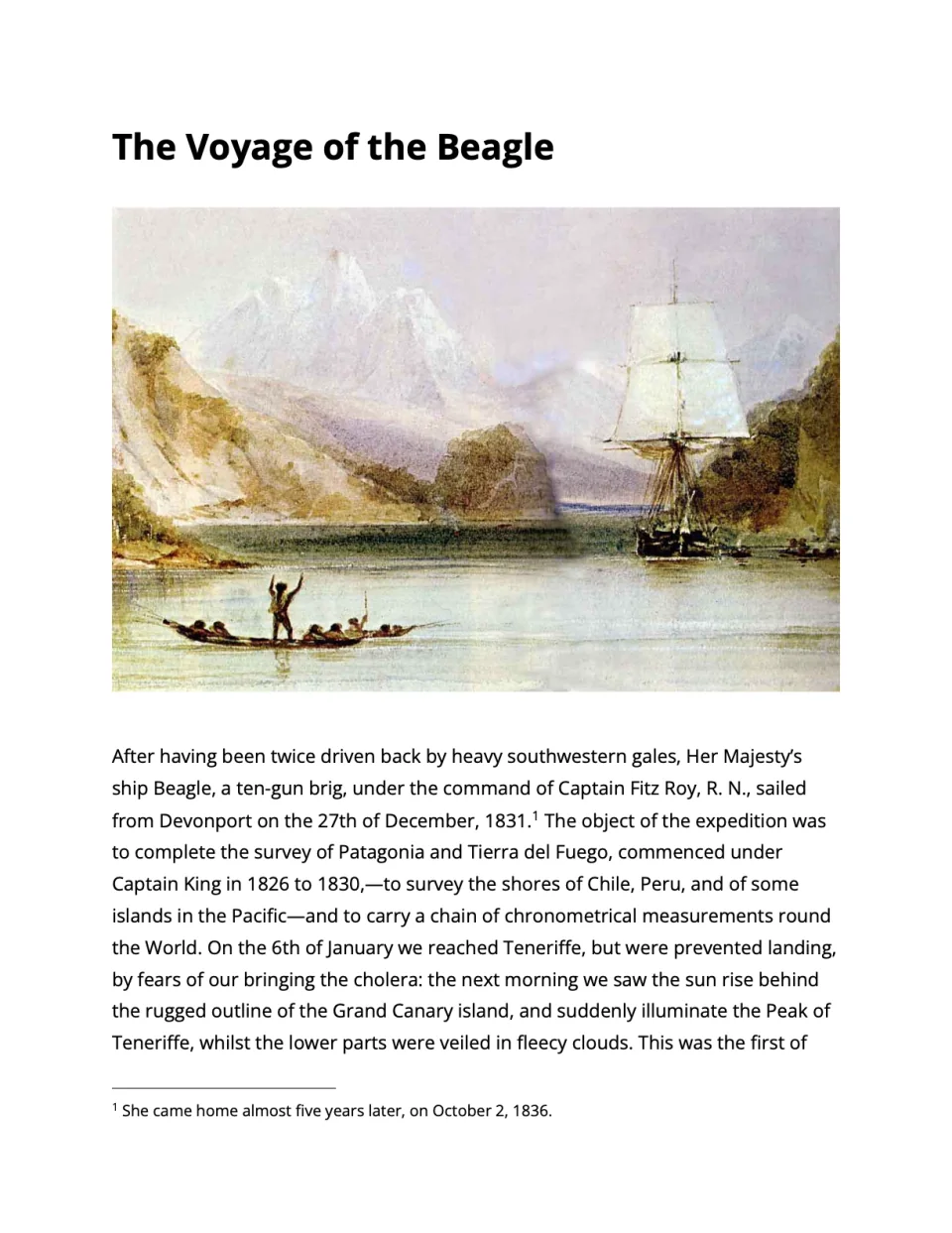
Footnotes
Footnotes now live where you think of them: right in the sentence, ^[like this]. In the editor the note reads muted, out of your way. An export numbers it and sets it at the foot of its page in PDF, as one of Word’s own footnotes in Word, and at the end of its chapter in Rich Text. Sheet Info (⌘4) lists every footnote with the number it will get.
Pictures
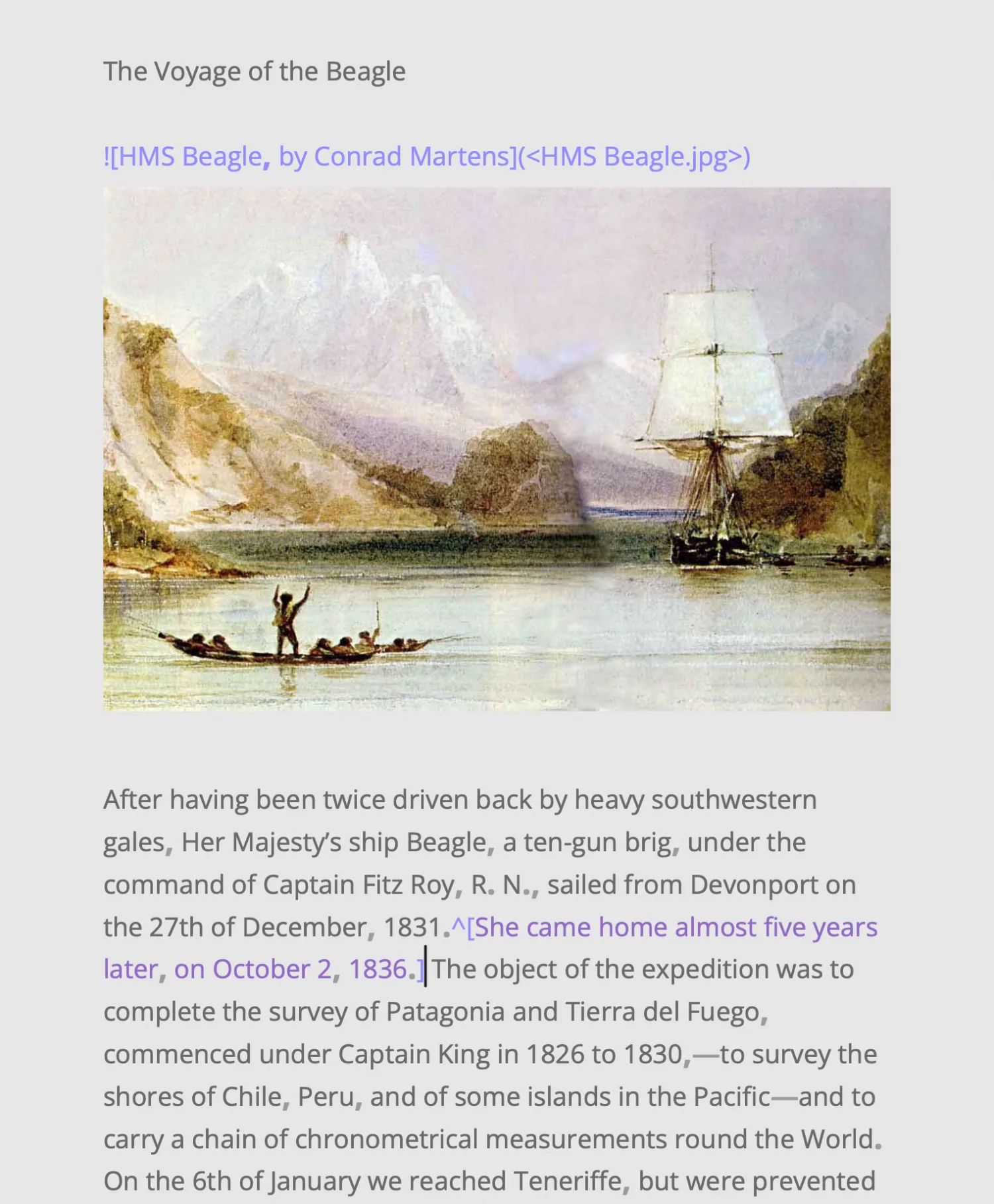
Drop a picture on a sheet, or paste one. Writy copies it into the folder beside the sheet, writes its plain  line, and shows the picture after that paragraph, as wide as the writing. It’s worth a thousand words, and none of them count toward your goal.
Versions
We’ve all cut a paragraph at midnight and wanted it back at breakfast. Now you can have it. Writy keeps every sheet’s history on its own: a version when you open it, every ten minutes at most while you write, and when you leave it. File ▸ Browse Versions… shows them by day, each compared with the sheet as it is now, and Restore This Version brings one back, keeping the text it replaces first.
Your library, brought over
Writing somewhere else? Bring it all with you. File ▸ Import… copies a whole library from another writing app into a new group, each sheet with its title, tags, pictures, and dates, and leaves the other app’s library just as it was. It knows one app so far.
That’s the release. Thank you for writing with Writy: this one is for everyone with a long piece in progress. When yours is done, send it somewhere, and tell us how it went: Help ▸ Send Feedback…